


Siri is Dead: Why I Canceled ChatGPT Plus for OpenClaw (The Ultimate Autonomous AI Assistant)
January 25, 2026 | by nearme.sg
Last updated
Disclosure: This post contains affiliate links. If you buy through them, we may earn a commission at no extra cost to you.
Siri is Dead: Why Everyone is Switching to Clawdbot (and How to Get it for Free)
![[HERO] Siri is Dead: Why Everyone is Switching to Clawdbot (and How to Get it for Free)](https://nearme.sg/wp-content/uploads/2026/01/5iIvp5t1d_L.webp)
Let's be real for a second, how many times have you asked Siri something and gotten an "I found this on the web" response that makes you want to throw your iPhone out the window? Or better yet, asked Alexa to do something actually useful, only to realize she can't remember what you told her five minutes ago?
Yeah, me too.
Here's the thing: Siri is fundamentally broken. Not because Apple doesn't have smart engineers (they do), but because the entire architecture of these "assistants" was designed for 2011. We're in 2026, and people are finally waking up to the fact that there's a better way, a much better way.
Enter Clawdbot (also known as OpenClaw). If Siri is a goldfish with a limited vocabulary, Clawdbot is a dolphin that remembers your birthday, orders your coffee the way you like it, and probably knows your bank balance better than you do.
And the best part? You can get it running for basically free if you know where to look. Let me show you how.
Why Siri Can't Keep Up Anymore
Let's talk about what makes Siri so… frustrating.
Problem #1: The Memory of a Goldfish
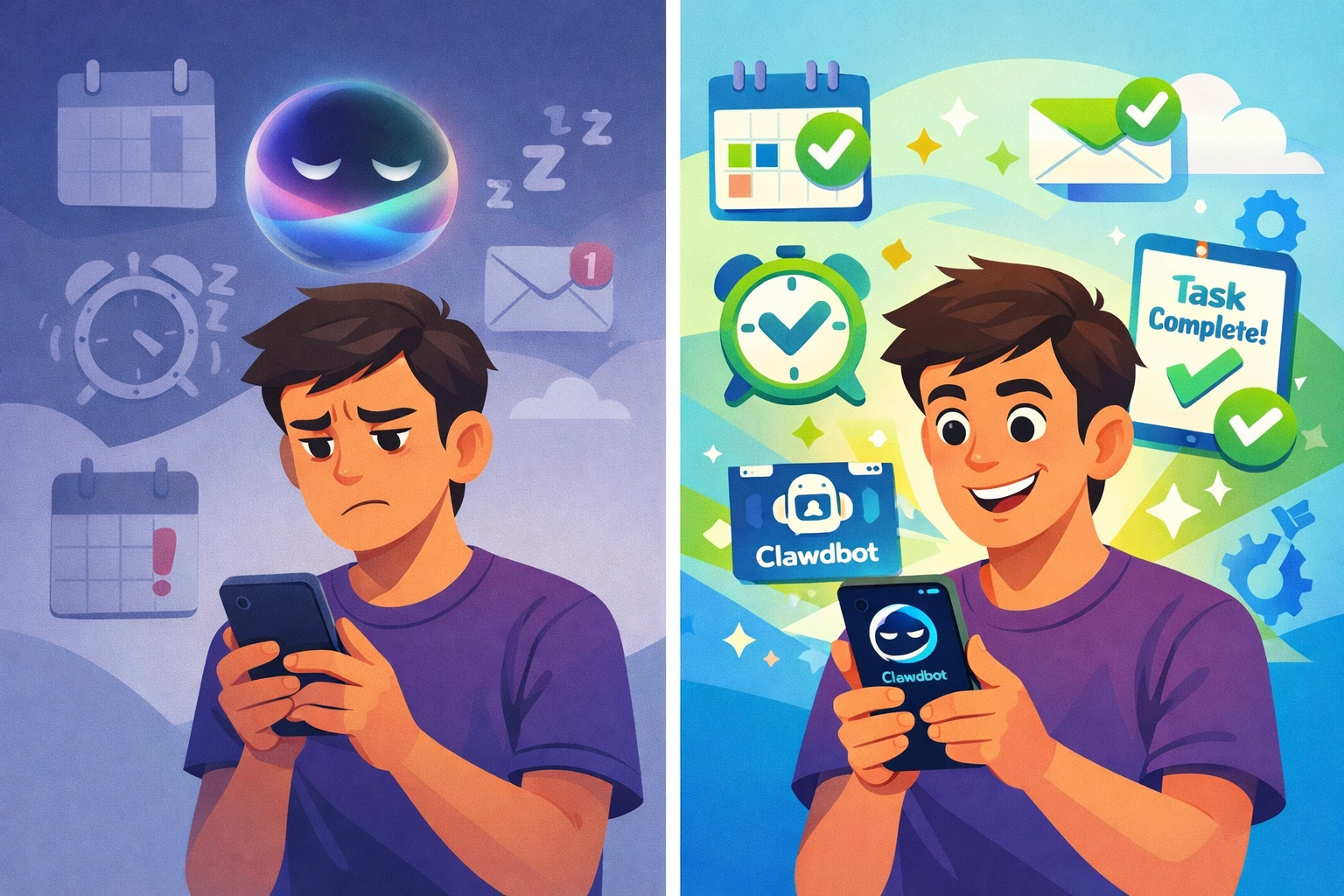
Tell Siri you only drink oat milk lattes. Great. Now ask her to "order my usual coffee" a week later. She'll have absolutely no idea what you're talking about. Every conversation with Siri is like Groundhog Day, she starts from scratch every single time.
Problem #2: All Talk, No Action
Siri can set timers. She can tell you the weather. She can play music. But can she actually do things across multiple apps? Can she check your Notion workspace, cross-reference it with your Google Calendar, and auto-message your team in Slack/Teams about the conflict she found?
Nope. Not even close.
Problem #3: You Have to Go to Her
This is the big one. With Siri, you have to remember to ask. You have to initiate every single interaction. She's passive. She waits. She doesn't think ahead or remind you of things you didn't know you needed to remember.
That's not an assistant, that's a voice-activated search engine.
How Clawdbot Flips the Script
Clawdbot (powered by Claude 3.5 Sonnet and other cutting-edge AI models) was designed to solve every single one of these problems. Here's what makes it a total game-changer:
1. Persistent Memory That Actually Works
Clawdbot remembers context across days, weeks, even months. Tell it once that you prefer your meetings scheduled after 2 PM because you're not a morning person? It will never suggest a 9 AM slot again. Mention your kid's school schedule? It'll proactively warn you when you're about to double-book during pickup time.
This isn't some gimmick, it's genuine contextual intelligence. The kind where you feel like you're talking to someone who actually knows you.
2. Proactive Behavior (It Thinks for You)
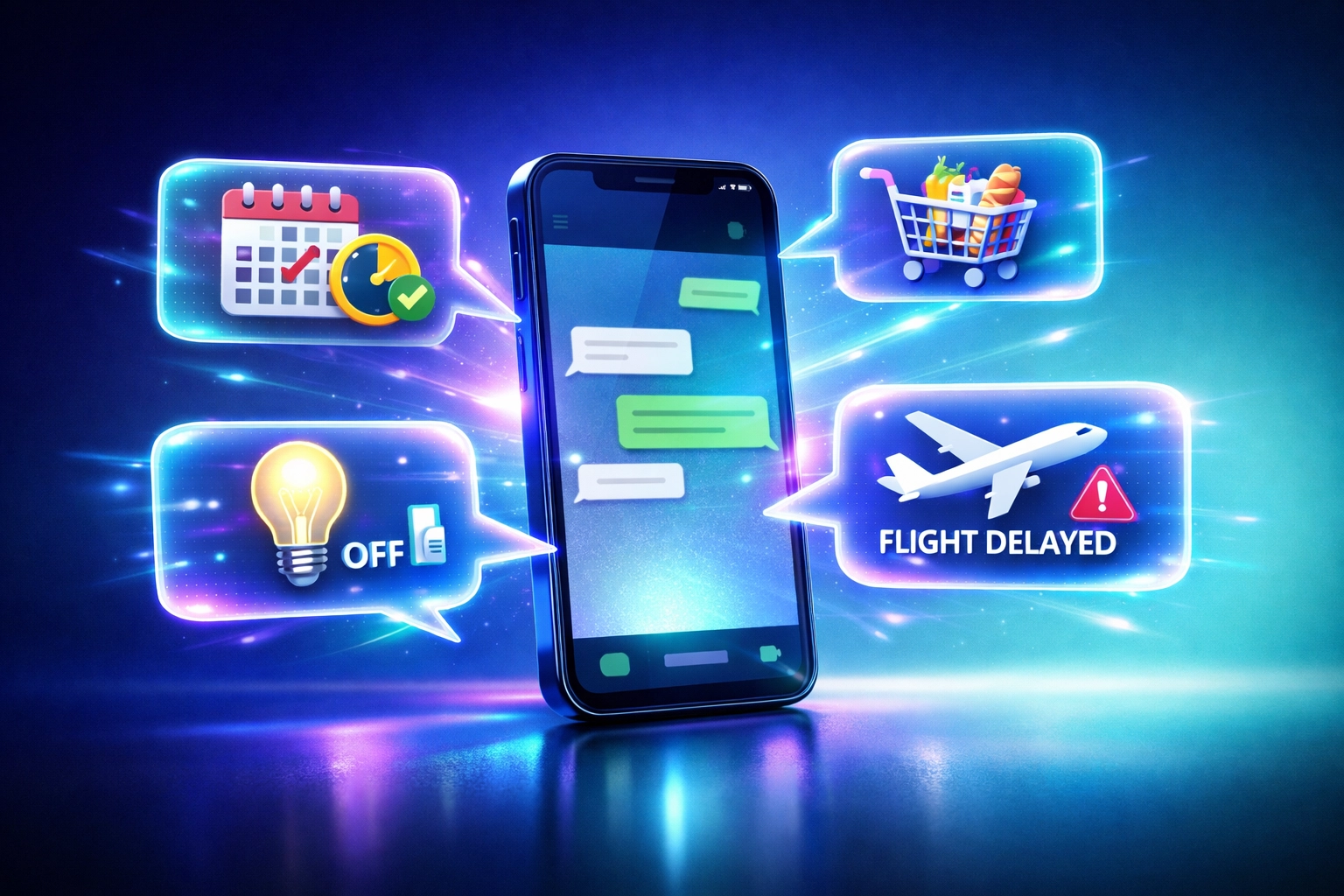
Here's where things get wild. Clawdbot doesn't wait for you to ask. It monitors your connected apps, your calendar, your task manager, your email, and sends you updates when something needs your attention.
"Hey Jimmy, you've got three overdue invoices in your accounting software. Want me to send reminders?"
"Your flight tomorrow just got delayed. I've already contacted the hotel to push your check-in time."
This is the shift from "humans finding AI" to "AI finding humans." And once you experience it, going back to Siri feels like downgrading from a Tesla to a tricycle.
3. Real Task Execution Across Platforms
Clawdbot doesn't just talk, it does. It connects to your Notion, Google Workspace, WhatsApp, smart home devices, and more through what's called the Model Context Protocol (MCP), basically a universal translator that lets AI actually interact with your tools.
Want it to:
- Pull data from a spreadsheet and create a clean executive summary?
- Track your Amazon deliveries and alert you the moment a package is marked “out for delivery” (or “delayed”)?
- Trigger your smart home automatically (lights, thermostat, locks) when you leave the house or when your calendar says you’re heading into a meeting?
Done, done, and done. No "I found this on the web for you" nonsense.
The Messaging Advantage (This is Where It Gets Addictive)
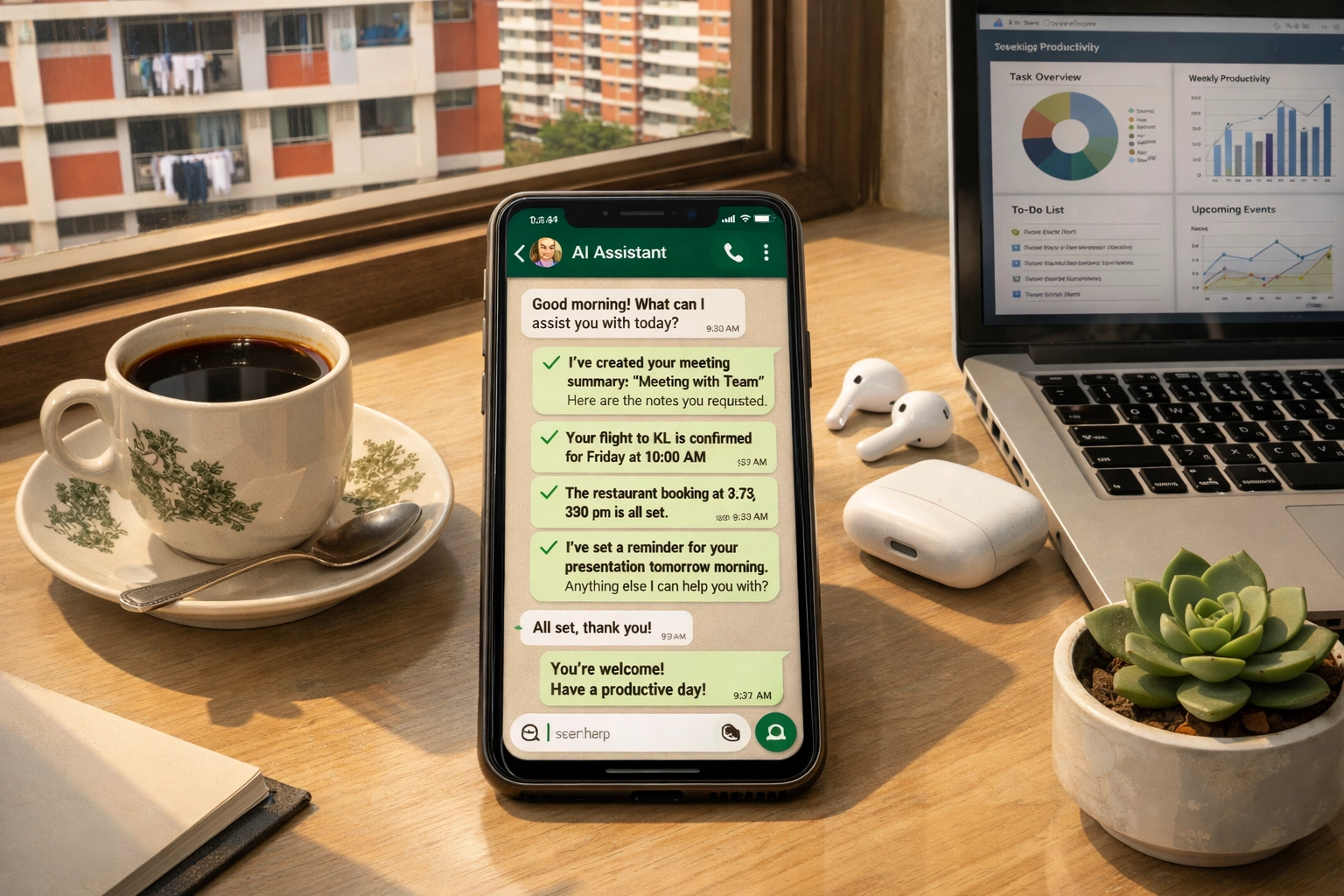
Here's something most people overlook: Clawdbot lives where you already live—in your messaging apps (WhatsApp, Telegram, iMessage… or even Slack/Discord if that’s your daily command center).
You don't need to download another app. You don't need to unlock your phone, open some special interface, and pray it understands you. You just message your bot like you'd message a friend.
And because it’s messaging-first, it works globally—whether you’re coordinating across time zones, running a remote team, or juggling personal life + work without losing your mind. It’s seamless. It’s instant. It’s the “why didn’t assistants always work like this?” moment.
The "Free" Setup: How to Get Clawdbot Without Breaking the Bank
Now here's where I blow your mind: the software itself is open-source (free). The only cost is the server to run it on and the API credits to power the AI model. But even that can cost you nothing if you play it smart.
Option 1: The "Try It for Free" Route (DigitalOcean)
DigitalOcean is offering $200 in FREE credits over 60 days (exclusive deal). That's more than enough to run Clawdbot, test it out, and decide if it's for you, without spending a single cent (and yes—this is exactly the kind of “try it now before it’s gone” offer you should jump on).
Here's what you get:
- A powerful cloud VPS (Virtual Private Server) to host your bot
- Enough runway to run it 24/7 for two months
- Zero upfront cost
If you're even a little bit tech-savvy (or willing to follow a YouTube tutorial), this is the move. GRAB your $200 FREE DigitalOcean credit here (exclusive deal) and get started right now.
Option 2: The "I Just Want It to Work" Route (Hostinger)
Not everyone wants to mess with Docker, SSH keys, and server configurations. I get it. If you want the easiest possible setup (fastest path from “I’m curious” to “it’s running”), Hostinger has a one-click VPS solution specifically optimized for Clawdbot—built for people who just want results.
Their KVM 1 plan starts at just $4.99/month (and you get an EXCLUSIVE 20% OFF Hostinger discount here), which breaks down to:
- 4GB RAM (enough to handle Clawdbot smoothly)
- 50GB storage
- 1 vCPU core
- 24/7 uptime
For less than a couple coffees a month, you get a personal AI assistant that runs all day, every day—across time zones, across devices, across your entire digital life. CLAIM the 20% OFF Hostinger one-click setup (exclusive deal).
What About API Costs?
Fair question. Clawdbot uses Claude (or ChatGPT) under the hood, and those models charge per message. But here's the kicker: because you're using the API directly instead of paying for ChatGPT Plus or Claude Pro, you're only paying for what you actually use.
For most people, that works out to $5-10/month, way cheaper than the $20/month subscription most AI chatbots charge. And if you're a light user? Could be even less.
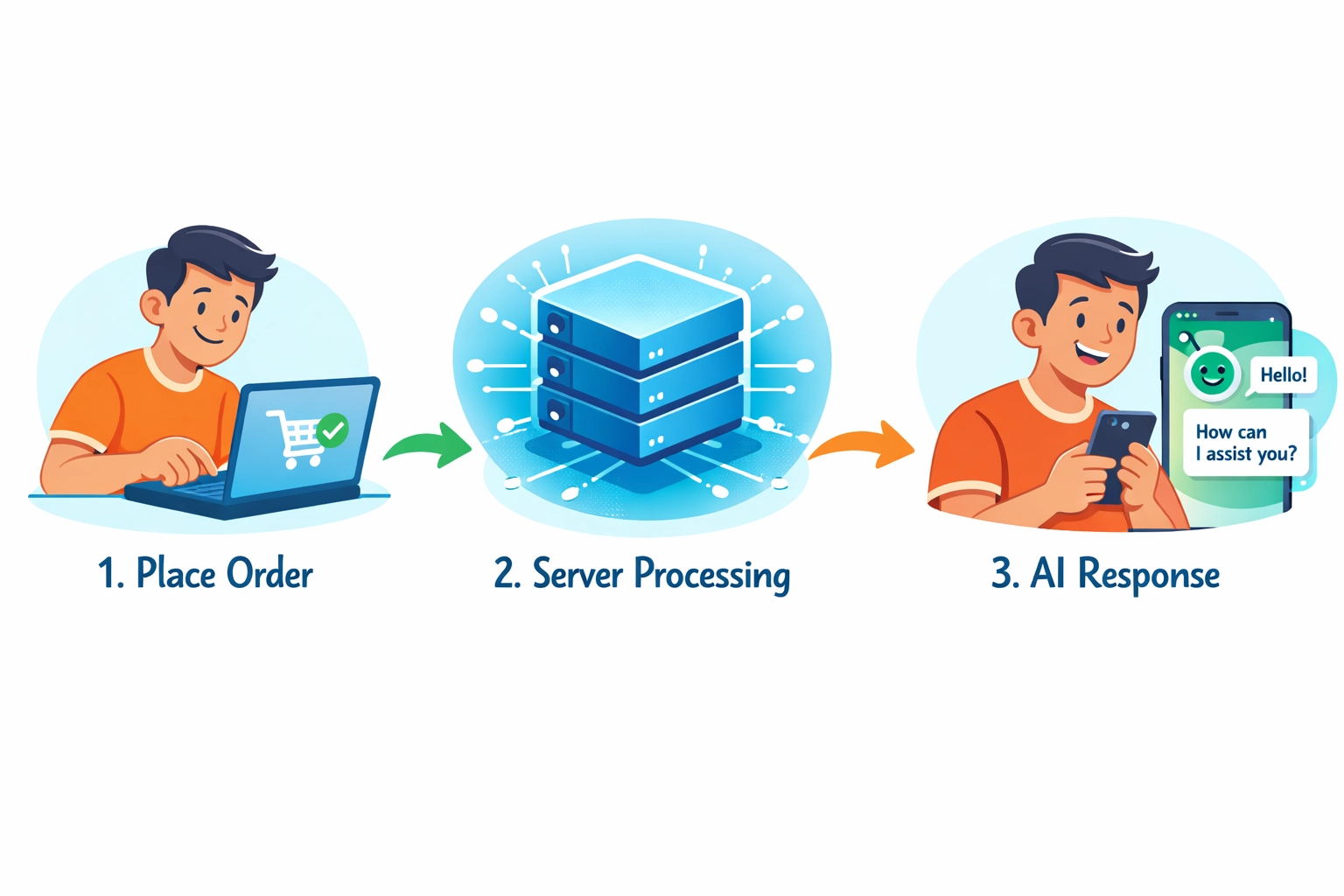
The Verdict: Is Clawdbot Worth the Switch?
If you've ever felt like Siri is just… not smart enough, then yes: Clawdbot is absolutely worth it. The persistent memory alone is a game-changer. Add in the proactive notifications, real task execution, and WhatsApp integration, and you've got something that feels less like a tool and more like an actual assistant.
Is there a learning curve? A little. But if you can set up a Netflix account, you can set up Clawdbot.
And with the DigitalOcean $200 FREE credit (exclusive deal) or the Hostinger 20% OFF one-click VPS (exclusive deal), the barrier to entry has never been lower—and honestly, this is the easiest “smart upgrade” you’ll make all year.
Ready to Ditch Siri?
Look, I'm not saying Siri is completely useless. She's fine for setting kitchen timers and checking the weather. But if you want an AI that actually remembers, thinks ahead, and gets things done? It's time to upgrade.
Check out our previous guide on Clawdbot if you want more details on the tech behind it, or jump straight into setting it up with one of the links above.
Your future self (the one who's no longer yelling at Siri) will thank you.
Quick Links to Get Started (Don’t Overthink It—Just Click):
- Free trial route (exclusive): DigitalOcean: CLAIM your $200 FREE credit
- Easy setup route (exclusive): Hostinger: UNLOCK 20% OFF the one-click VPS
RELATED POSTS
View all


10 Best Hair Dryers Singapore 2026: Free Guide
May 28, 2025 | by nearme.sg Editorial Team

Private Driving Instructor Fees: Best Expert Guide
June 26, 2024 | by nearme.sg
10 Best Robot Vacuum Cleaner Singapore 2026: Expert Guide
January 7, 2026 | by nearme.sg Editorial Team