

OpenClaw on Hostinger, Digital Ocean or Mac Minis? Expert Comparison: 2026
January 31, 2026 | by nearme.sg
Disclosure: This post contains affiliate links. If you buy through them, we may earn a commission at no extra cost to you.
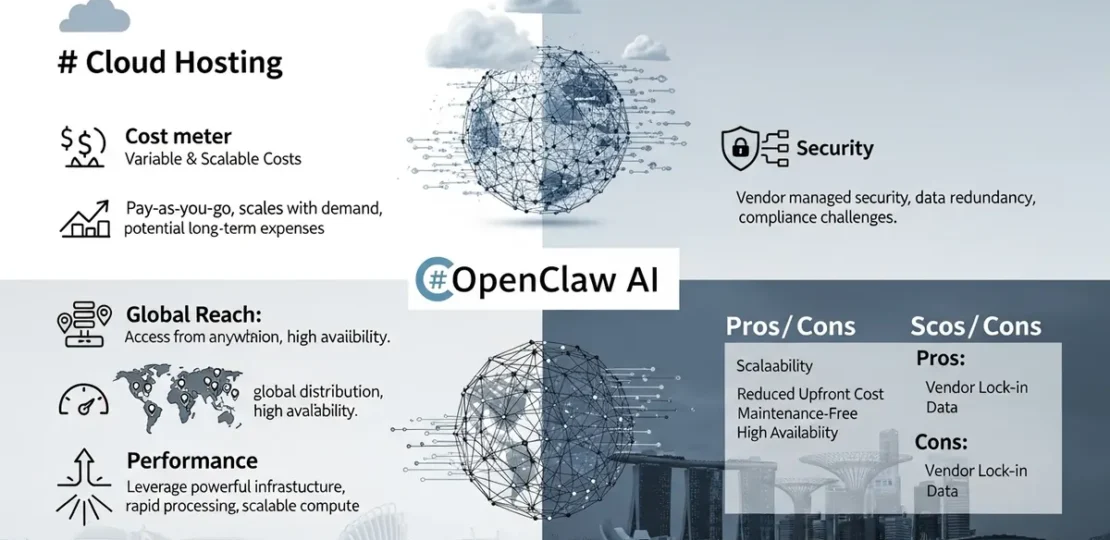
![[HERO] Cloud vs. Local: The Best Platforms to Run OpenClaw in 2026](https://nearme.sg/wp-content/uploads/2026/01/6robFfa4vk4.webp)
So you’ve decided to ditch the monthly subscription trap and set up your own AI assistant with OpenClaw. Smart move. But now comes the million-dollar question: where should you actually run this thing?
You’ve got choices, mate. Cloud hosting that someone else maintains, or local hardware sitting in your home office. Both work. Both have trade-offs. And honestly? The “right” answer depends entirely on what matters more to you, convenience, privacy, or long-term savings.
Let’s break down the four most practical options for running OpenClaw in 2026, from cloud-based solutions to local hardware setups.
The Cloud Option #1: DigitalOcean (The “Try Before You Buy” Route)
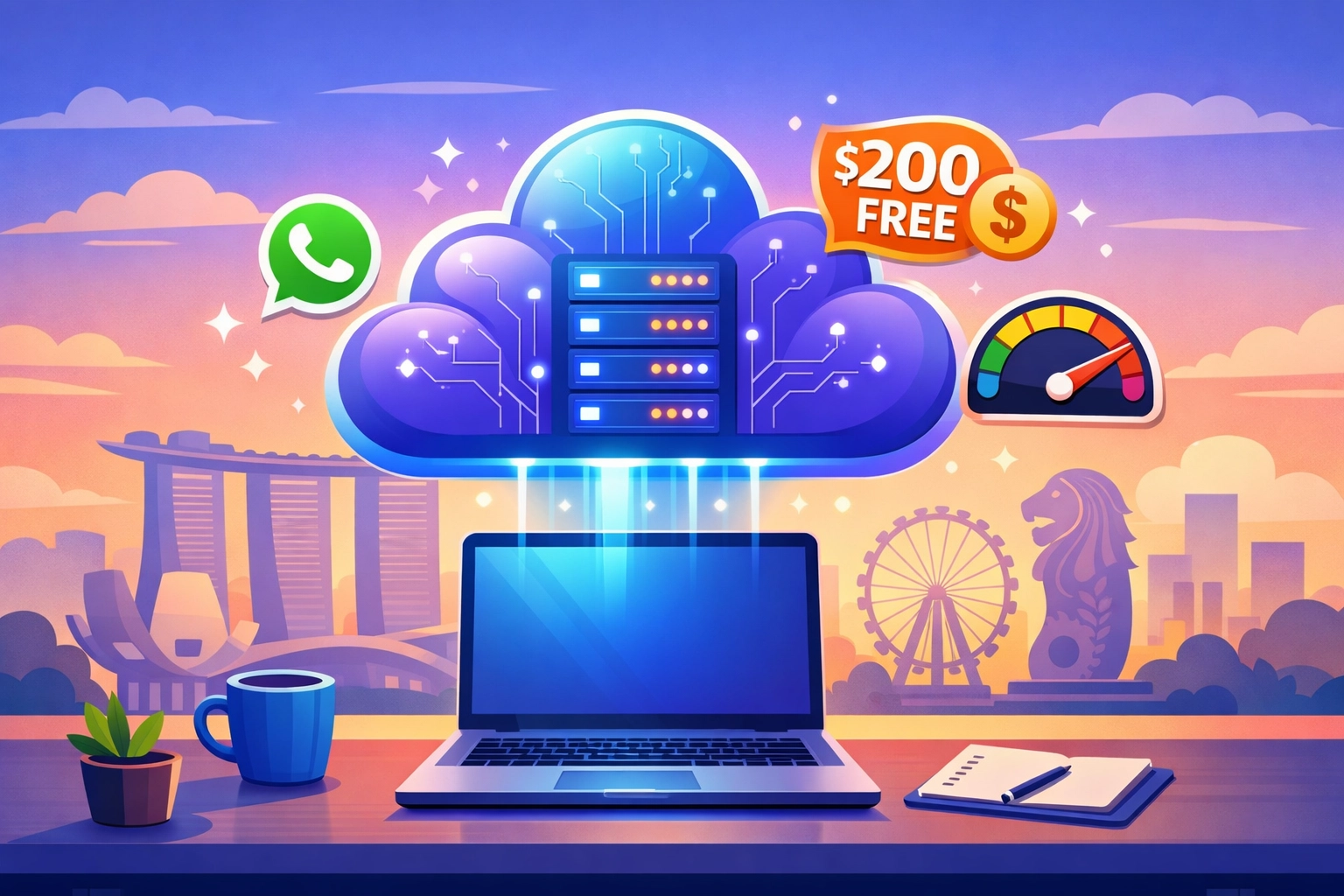
When it comes to testing OpenClaw without dropping cash on hardware, DigitalOcean is your best friend. They’re offering $200 in free credits right now, which translates to roughly 4-5 months of running a basic VPS before you pay a single dollar.
The Real Costs
After your credits run out, you’re looking at around $6-12 USD monthly for a droplet that can handle OpenClaw comfortably. That’s roughly SGD 8-16/month, cheaper than your Netflix subscription. The beauty here is zero upfront cost. You spin up a server, connect your WhatsApp or Telegram, and you’re operational in under 30 minutes.
Security & Privacy: The Trade-Off
Your data lives on DigitalOcean’s infrastructure. They’re a reputable provider with solid security practices, but at the end of the day, you’re trusting a third party. For most people? That’s perfectly fine. DigitalOcean has security-hardened production setups, automated backups, and 24/7 monitoring. Unless you’re handling state secrets, this level of security is more than adequate.
Pros:
- Zero upfront investment
- $200 free credits to test drive
- Someone else handles server maintenance
- Scales easily if you need more power
- Global data centers (including Singapore)
Cons:
- Monthly recurring cost (even if small)
- Less privacy than local hosting
- Requires basic cloud service knowledge
- Internet dependency
Who Is This For?
Perfect for Singapore residents who want to experiment without commitment. If you’re renting an HDB or condo and don’t want another device cluttering your space, grab the DigitalOcean credits and give it a spin. Worst case? You’ve burned through free credits and learned something new.
The Cloud Option #2: Hostinger (The “Set and Forget” Route)
Hostinger takes the cloud game up a notch with their one-click VPS solutions. They’re currently offering 20% off their VPS plans, which makes them ridiculously affordable for what you get.
The Real Costs
With the discount, you’re looking at roughly SGD 6-10 monthly for entry-level VPS hosting. The kicker? Hostinger’s interface is dead simple. If DigitalOcean feels too “developer-y” for you, Hostinger speaks your language. Their control panel is intuitive, setup wizards actually work, and customer support doesn’t assume you’re a Linux sysadmin.
Security & Privacy: Similar to DigitalOcean
Same trade-off as any cloud provider, you’re trusting their infrastructure. Hostinger has solid security protocols, automated backups, and server-level firewalls, but your data ultimately sits on their hardware. For everyday AI assistant tasks (scheduling, research, reminders), this is completely acceptable.
Pros:
- Incredibly beginner-friendly interface
- 20% discount makes it super affordable
- One-click installations for common setups
- 24/7 customer support that’s actually helpful
- Low barrier to entry
Cons:
- Monthly recurring cost
- Less control than DigitalOcean for advanced users
- Privacy concerns (data on third-party servers)
- Performance may lag slightly behind DigitalOcean
Who Is This For?
This is for the tech-curious Singaporean who wants results without wrestling with terminal commands. You’ve got a busy job in Shenton Way, you want your AI assistant running reliably, and you don’t want to become a DevOps engineer in the process. Grab the Hostinger discount and move on with your life.
The Local Option #1: Mac Mini (The “Privacy Fortress” Route)
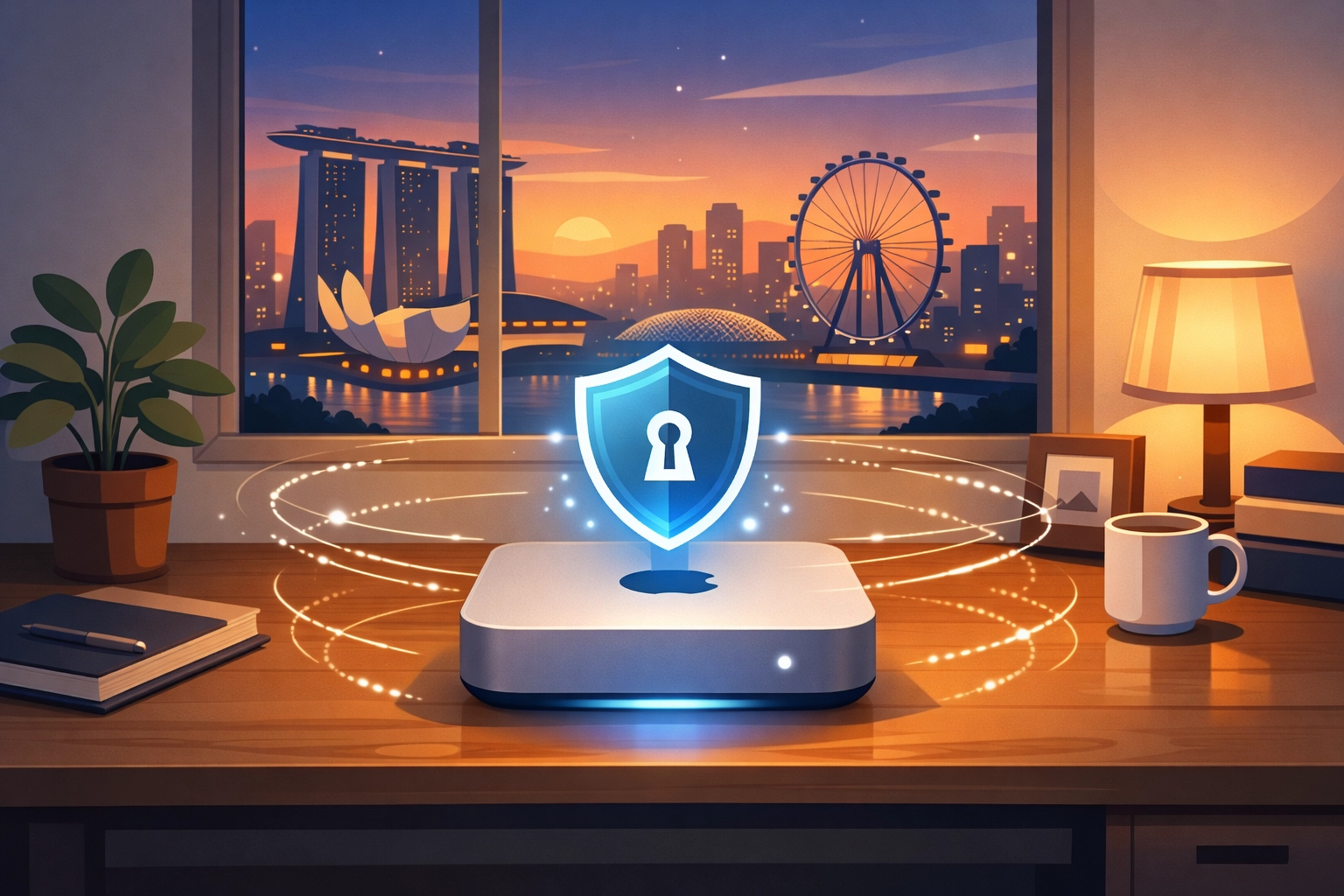
Here’s where things get interesting. Run OpenClaw on a Mac Mini in your home, and suddenly you’re playing a completely different game. Your data never leaves your network. Full stop.
The Real Costs
A Mac Mini M2 runs around SGD 900-1,200. That feels steep compared to $6/month cloud hosting, until you do the math. Cloud hosting at $10/month costs $120 annually. Over two years, that’s $240. Over five years? $600. Suddenly that Mac Mini pays for itself while also serving as a general-purpose home server.
Plus, if you already own a Mac Mini (maybe gathering dust since you upgraded to a MacBook), your upfront cost is literally zero.
Security & Privacy: Your House, Your Rules
This is the big win. Your conversations with OpenClaw, your calendar data, your personal context, it all stays within your four walls. For privacy-conscious folks in Singapore (especially if you work in finance, healthcare, or legal sectors), this is a game-changer. No third-party provider can access your data. No surprise policy changes. You control the physical hardware.
Pros:
- Maximum privacy and data ownership
- Zero monthly recurring costs
- Can double as a home media server, backup solution, etc.
- Apple Silicon is insanely power-efficient
- Quiet operation (perfect for HDB living)
Cons:
- Higher upfront cost
- You’re responsible for maintenance
- Requires stable home internet
- Limited by your home network speed
- Power outages mean downtime
Who Is This For?
Privacy purists and long-term thinkers. If you’re already running a home office setup in your Singapore condo and value data sovereignty, a Mac Mini makes perfect sense. It’s also ideal if you’re tinkering with other home automation or self-hosted services, kill multiple birds with one stone.
The Local Option #2: Windows PC (The “Use What You’ve Got” Route)
Got a spare Windows desktop collecting dust? Or maybe you’ve got a gaming PC that sits idle during work hours? Congratulations, you’ve already got OpenClaw hardware.
The Real Costs
If you own the PC already, your upfront cost is zero. Even if you’re buying a budget Windows mini PC, you’re looking at SGD 400-700 for something capable. That’s cheaper than a Mac Mini and still cheaper than two years of cloud hosting.
Running costs are your electricity bill, maybe an extra $5-10 monthly if you’re running it 24/7. Still way cheaper than cloud subscriptions over time.
Security & Privacy: Same as Mac Mini
Local hosting means local control. Your data doesn’t leave your network unless you explicitly configure it to. For Singaporeans working in sensitive industries or anyone who’s just tired of tech companies mining their data, this is a solid choice.
Pros:
- Zero upfront cost if you own hardware already
- Cheaper hardware options than Mac
- Maximum privacy (local hosting)
- No monthly subscriptions
- Can run alongside other tasks (gaming, work)
Cons:
- Windows can be less stable for 24/7 server use
- Potentially higher power consumption than Mac Silicon
- You handle all troubleshooting
- Noisier operation (if using older hardware)
- Requires basic Windows administration skills
Who Is This For?
Practical folks who maximize what they already own. If you’ve got a Windows PC sitting in your Punggol flat that only gets used for occasional gaming, why not put it to work? Students, freelancers, and small business owners in Singapore love this option because it’s essentially free computing power you’re already paying for.
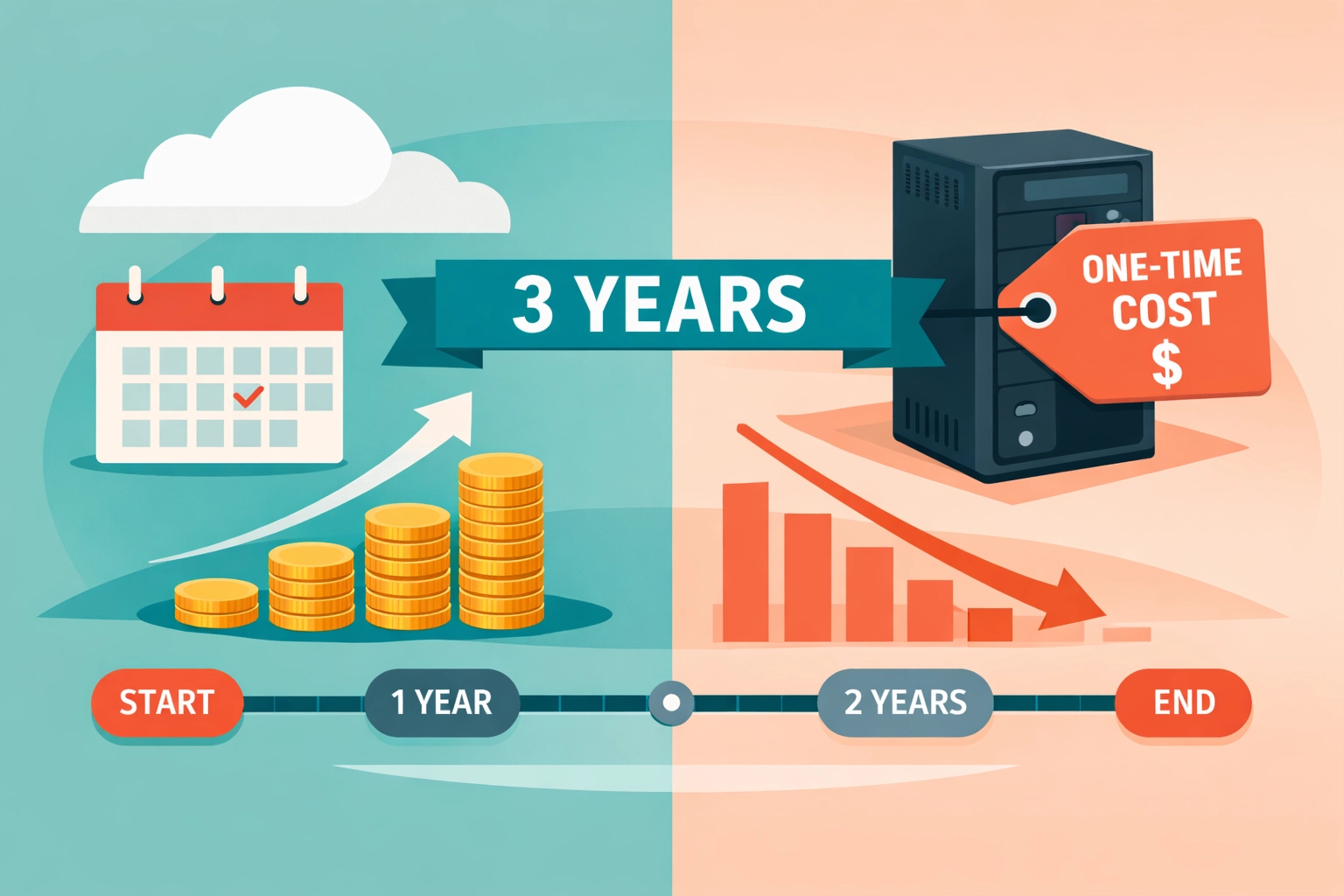
The Cost Reality Check: Cloud vs. Local Over Time
Let’s get real about the numbers. Here’s what you’re actually spending over a 3-year period:
| Category | Item | Cost (SGD) |
|---|---|---|
| Cloud Hosting (DigitalOcean/Hostinger) | Year 1 (after free credits) | ~SGD 96-144 |
| Year 2 | ~SGD 120-180 | |
| Year 3 | ~SGD 120-180 | |
| 3-Year Total | SGD 336-504 | |
| Local Hosting (Mac Mini) | Upfront | SGD 900-1,200 |
| Electricity (3 years) | ~SGD 180-360 | |
| 3-Year Total | SGD 1,080-1,560 | |
| Local Hosting (Existing Windows PC) | Upfront | SGD 0 |
| Electricity (3 years) | ~SGD 180-450 (depends on PC specs) | |
| 3-Year Total | SGD 180-450 |
Wait, cloud looks cheaper? Not quite. After year 3, cloud keeps charging. Your Mac Mini? Already paid off and still running. By year 5, local hosting wins by a landslide.
Security Deep Dive: What “Private” Really Means
Cloud providers like DigitalOcean and Hostinger run secure infrastructure. They encrypt data in transit, implement access controls, and follow industry standards. But here’s the thing: they can access your data if compelled by law enforcement or if their security is breached.
Local hosting? Your data lives on hardware in your home. Unless someone physically breaks into your Tampines flat or you’ve configured remote access poorly, your conversations with OpenClaw stay yours. For Singapore residents concerned about data sovereignty or simply uncomfortable with cloud providers scanning their communications, local hosting is the only truly private option.
That said, local hosting requires you to handle security yourself. Weak passwords, exposed ports, and outdated software can make your home server less secure than a professional cloud provider. Choose local for privacy, but commit to basic security practices.
Making Your Decision: Which Platform Actually Makes Sense?
Choose DigitalOcean if:
You want to test OpenClaw risk-free with $200 in credits, you’re renting in Singapore and don’t want hardware clutter, or you value someone else handling server maintenance.
Choose Hostinger if:
You want the simplest possible cloud setup with 20% off pricing, you’re not technical but want it to “just work,” or you prioritize low monthly costs over long-term savings.
Choose Mac Mini if:
Privacy is non-negotiable, you’re thinking long-term (5+ years), you want whisper-quiet operation in your HDB, or you’re already invested in the Apple ecosystem.
Choose Windows PC if:
You already own spare hardware, you’re comfortable with Windows administration, upfront costs matter more than convenience, or you’re running other services alongside OpenClaw.
The Singapore Context: What Works Here?
For most Singaporeans, I’d lean toward cloud hosting for the first 6 months, then reassess. Use DigitalOcean’s free credits to test whether you’ll actually use OpenClaw daily. If it becomes essential to your workflow: which it probably will: then consider investing in local hardware like a Mac Mini for the long haul.
Singapore’s reliable home internet makes local hosting viable. Our stable power grid means less worry about unexpected shutdowns. And if you’re working from home in a condo, a quiet Mac Mini tucked behind your monitor is practically invisible.
The future of AI assistants isn’t paying tech giants monthly subscriptions. It’s running your own, on your terms. Whether that’s in the cloud or in your Bishan apartment is totally up to you.
Want more tips on making OpenClaw work for you? Check out our complete guide to setting up your AI assistant, or explore more tech insights on NearMe.SG.
RELATED POSTS
View all


How to Find Private Driving Instructors: 3 FREE Methods
September 18, 2024 | by nearme.sg

How to Use an IPL Hair Removal Device at Home: Free Simple Guide
May 28, 2025 | by nearme.sg
Last-Minute Valentine’s Day Singapore 2026: Survival Guide for Spontaneous Romance
January 27, 2026 | by nearme.sg